

pip.
OpenAI
In the Python file where you use OpenAI APIs, add the following. This allows us to keep track of your requests without needing any other code changes.openai as you would if you had imported it directly.
Your OpenAI API Key is never sent to our servers. All OpenAI requests are made locally from your machine, PromptLayer just logs the request.
pl_tags argument. This allows you to track and group requests in the dashboard.
Tags are not required but we recommend them!
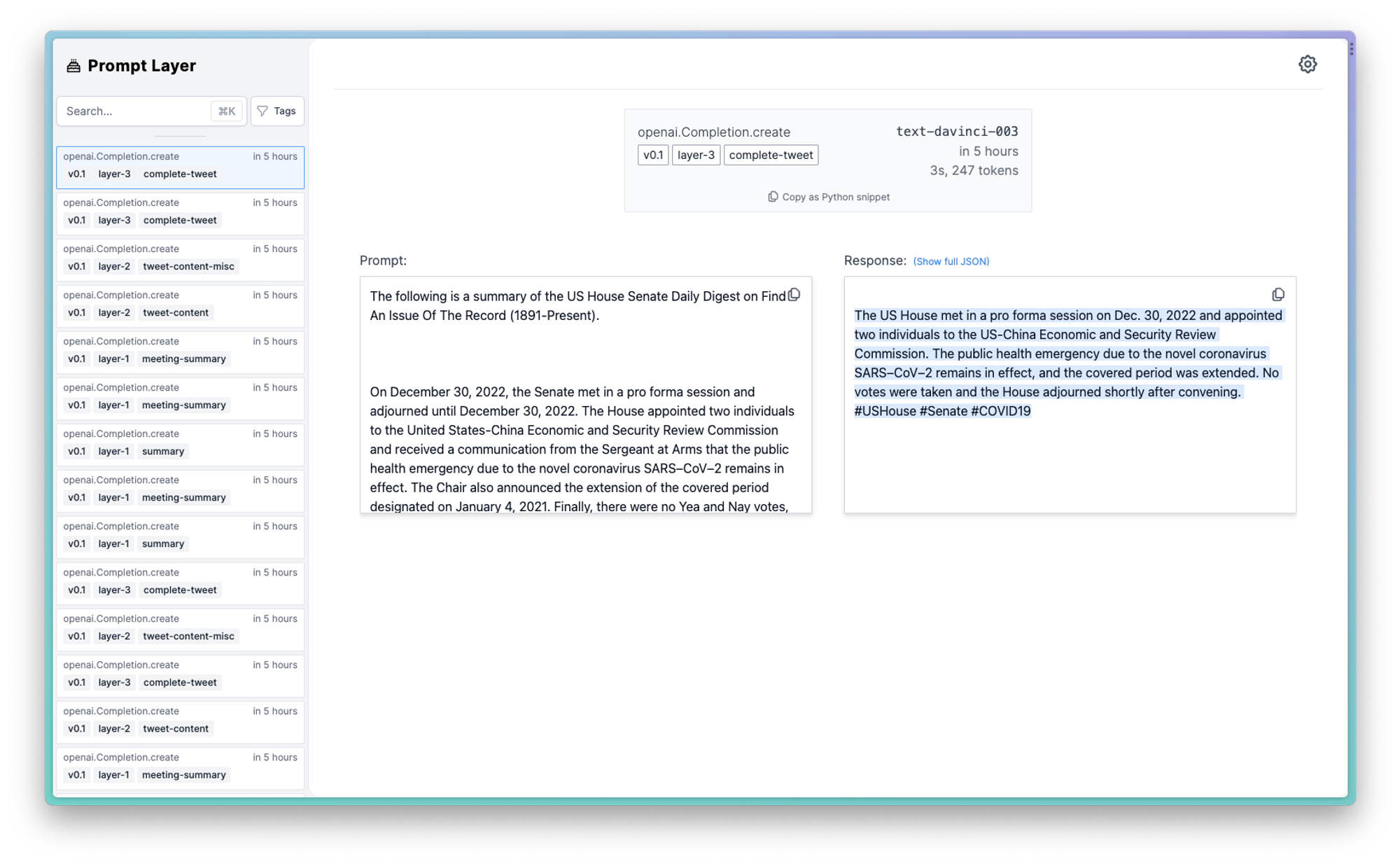 Here is a complete code snippet:
Anthropic
Using Anthropic with PromptLayer is very similar to how to one would use OpenAI. Below is an example code snippet of the one line replacement: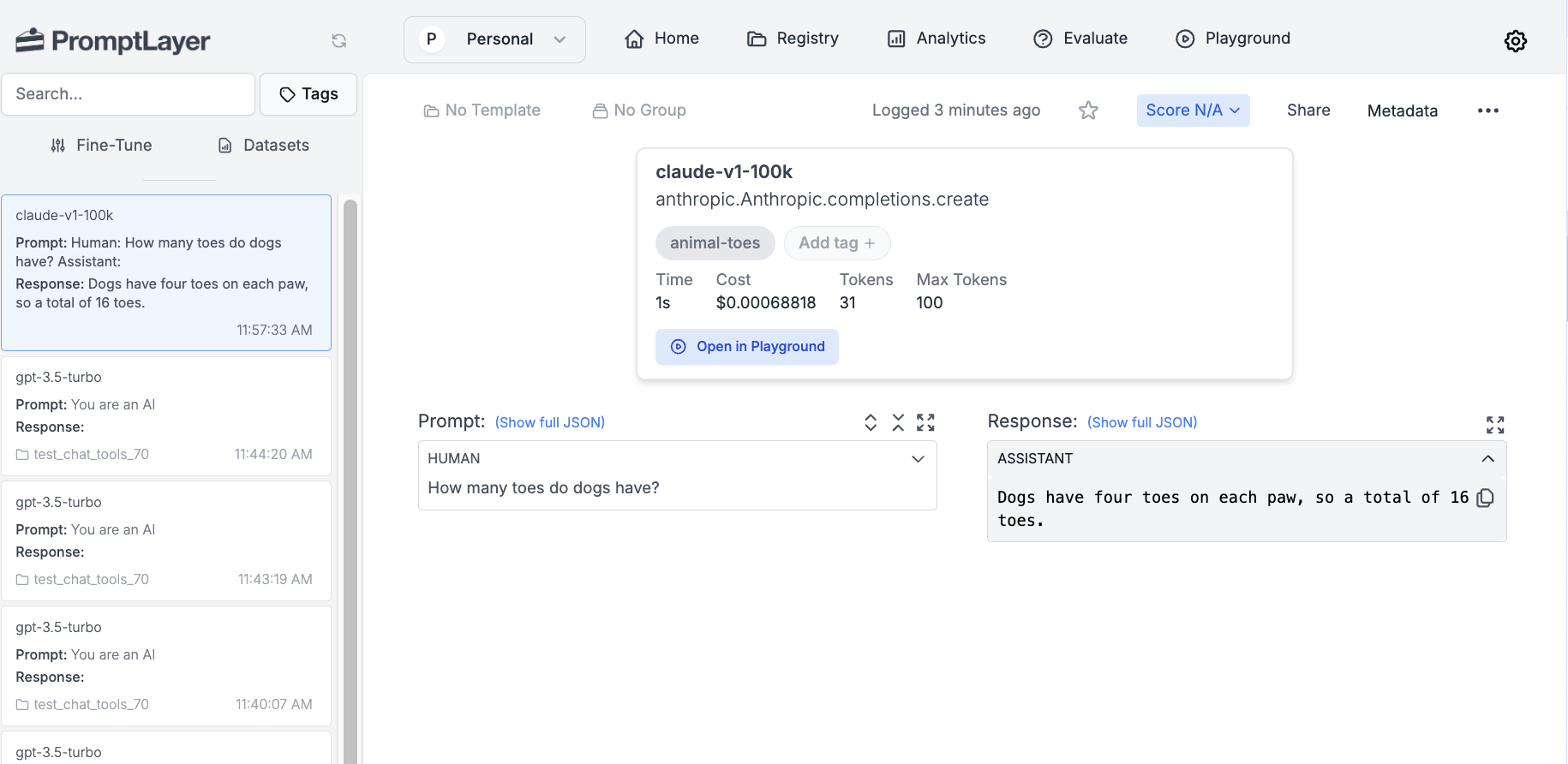
Want to say hi 👋 , submit a feature request, or report a bug? ✉️ Contact us