

pl_id).
All tracking in PromptLayer is based on the pl_request_id. This identifier is needed to enrich logs with metadata, scores, associated prompt templates, and more.
You can quickly grab a request ID from the web UI as shown below.
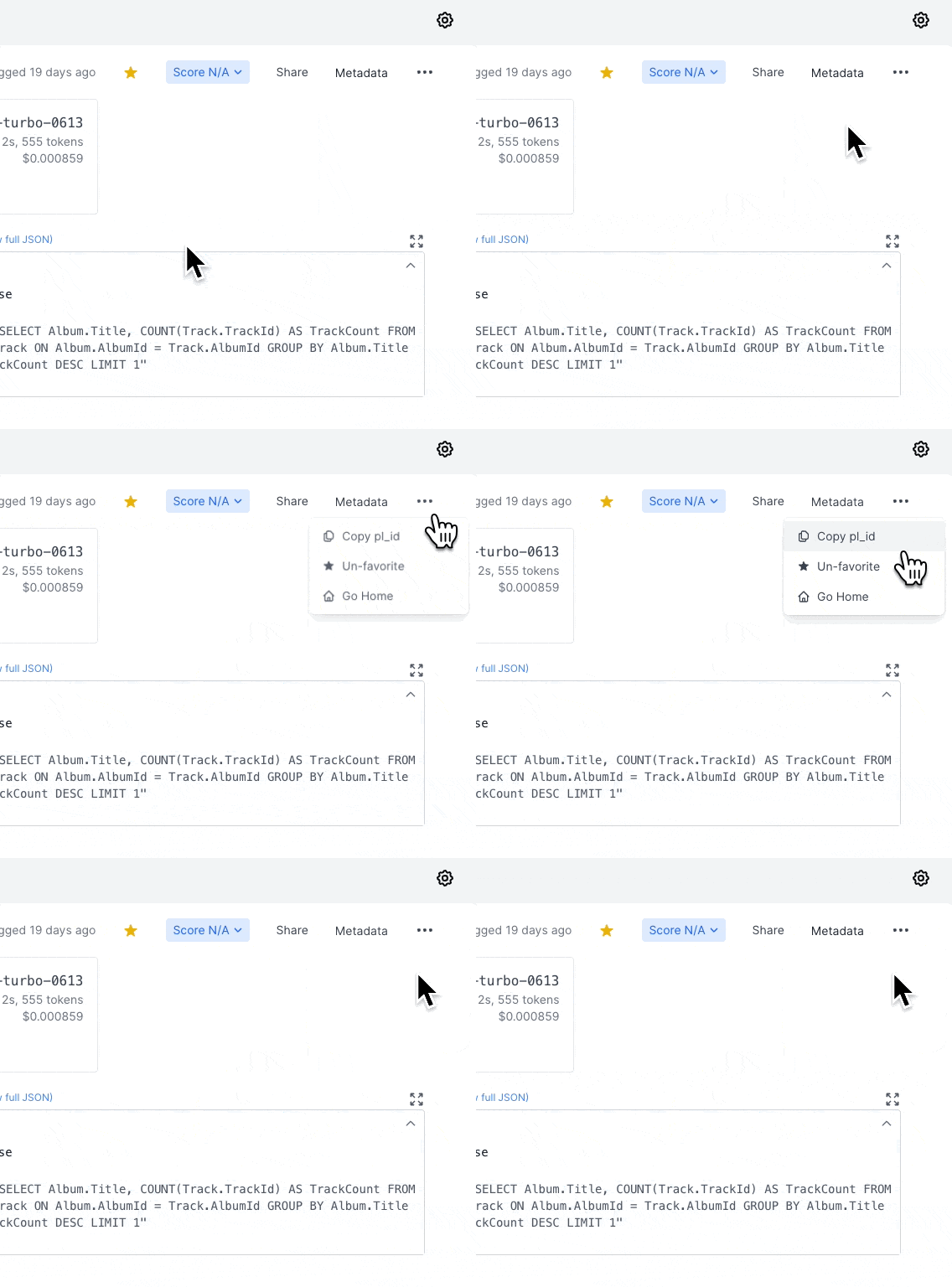 Specific instructions for retrieving the ID programmatically are below.
REST API
Thepl_request_id is returned as request_id in the case of a successful request when using the REST api with /track-request. This means that request_id will be a key in the object returned by a successful track-request response.
Learn more
Python
To retrieve thepl_request_id using OpenAI in Python (through promptlayer.openai), set the argument return_pl_id to true in your function call. This will change the call to now return the OpenAI response and the pl_request_id. If you are using stream=true, then only the last pl_request_id will be the id; otherwise, it will be None.
The same is true for Anthropic.
Javascript
To retrieve thepl_request_id using OpenAI in JavaScript (through promptlayer.OpenAI), set the argument return_pl_id to true in your function call. This will change the call to now return the OpenAI response and the pl_request_id. If you are using stream: true, then only the last pl_request_id will be the id; otherwise, it will be undefined.
The same is true for Anthropic.
LangChain
With Callback (newer)
For LangChain PromptLayer integration, define apl_id_callback callback inside the PromptLayerCallbackHandler. This takes in the pl_request_id and can be used accordingly. Here’s an example:
With Specific Models (older)
For LangChain PromptLayer integration, set the argumentreturn_pl_id to true when instantiating your model. This will add the PromptLayer request ID in the generation_info field of the Generation returned when using .generate or .agenerate. Here’s an example: